Every angle
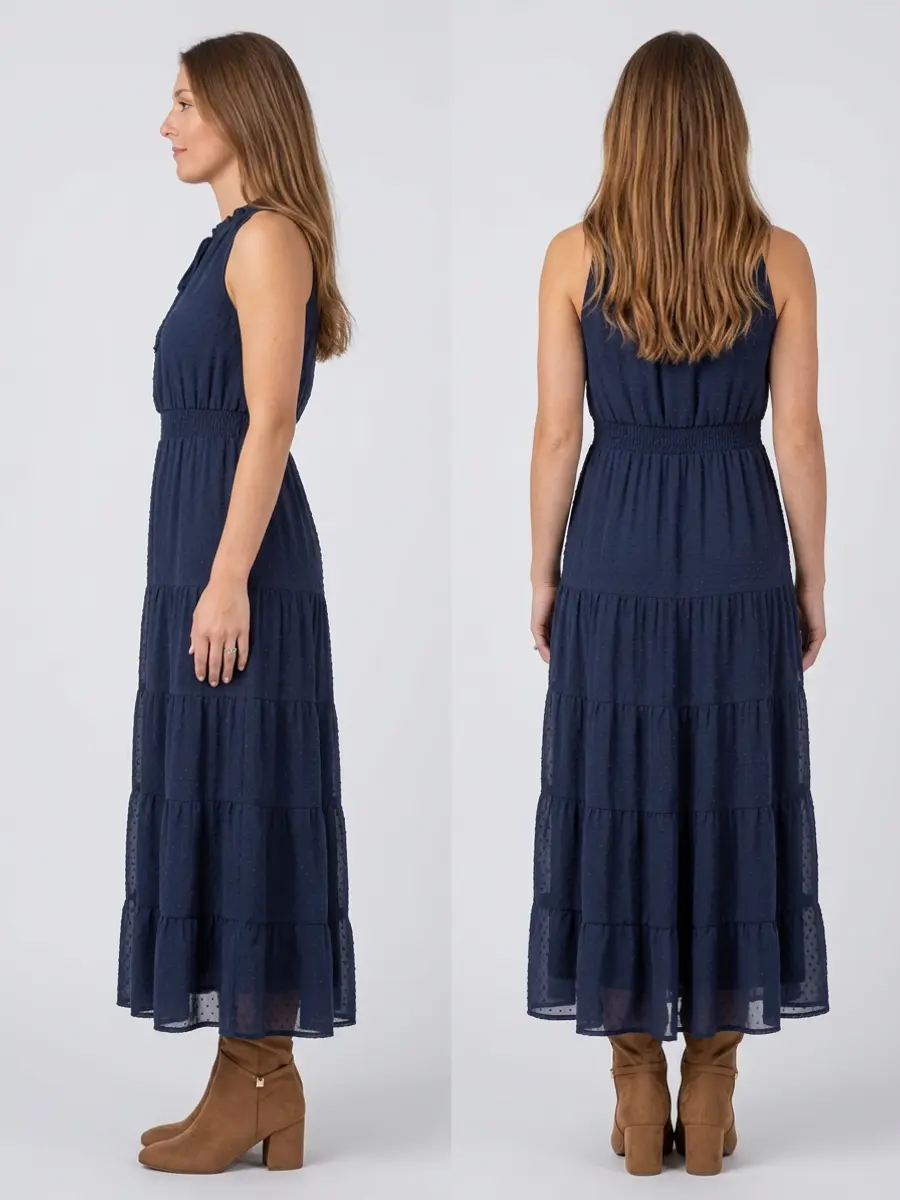
Front, side, and back views from a single photo.

Virtual Try-On

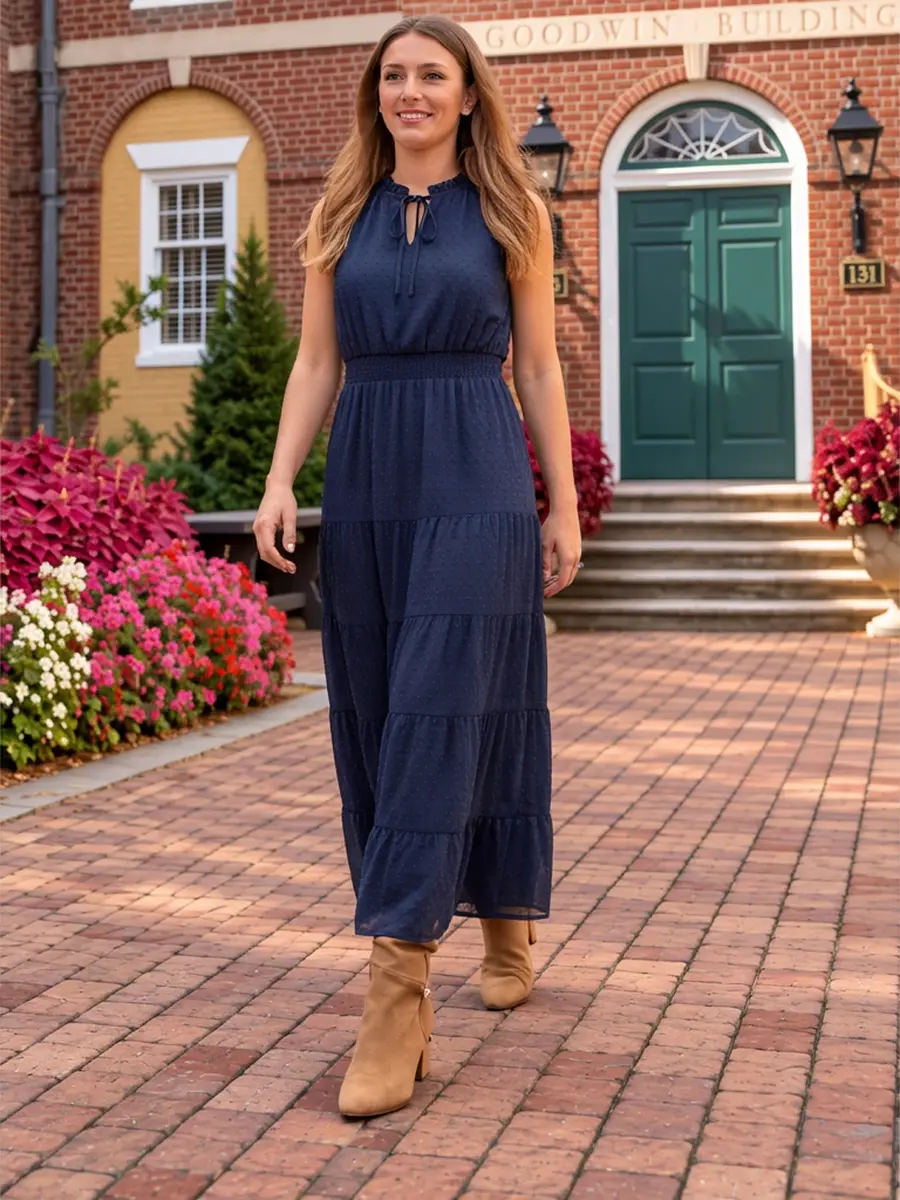 Recommended size: Medium
Shoppers see it on their own body before they buy, front, side, and back, plus custom try-on for any garment.
Overview
Shoppers see it on their own body before they buy, front, side, and back, plus custom try-on for any garment. The widget lives on your product pages, matches your branding, and pre-selects the recommended size at checkout.
Capabilities
Front, side, and back views from a single photo.
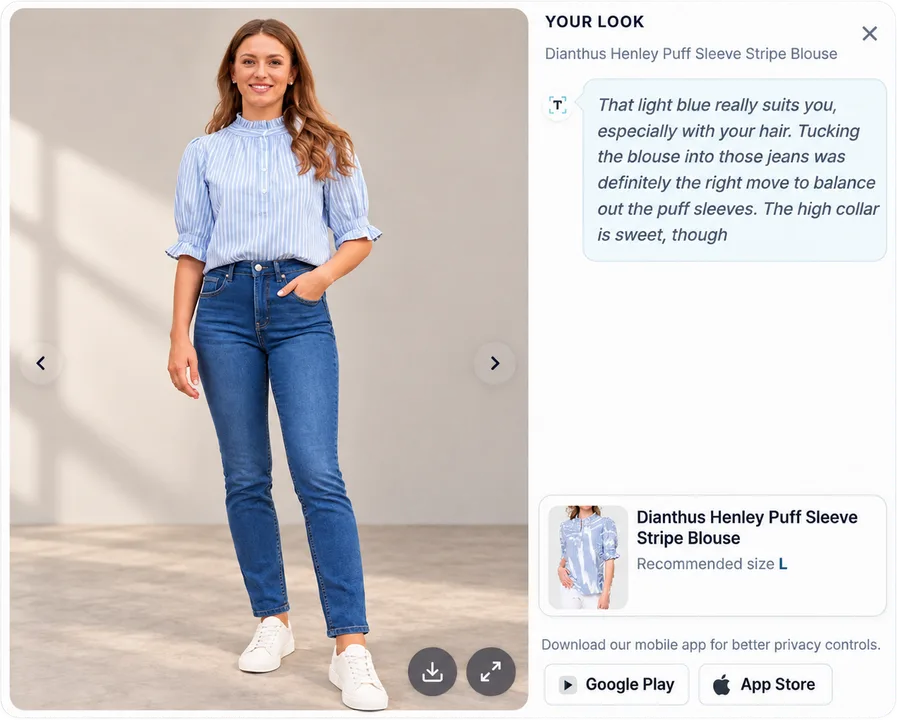
Shoppers try on any garment, including their own clothes.
Start without an account, zero friction on the product page.
In depth
Photorealistic try-on that shoppers trust. Every garment is rendered onto the shopper's own body, front, side, and back, so they see the real drape, fit, and colour before they buy.
Why it works
How it works
Four steps, end to end, no code, no hardware.
Install on Shopify or WooCommerce. Your catalog syncs automatically, no manual data work.
Photorealistic try-on and accurate size recommendations on every product page.
Combo and layered outfits with the recommended size pre-selected at checkout.
Try-on → cart attribution and retailer analytics on engagement, conversion, and returns.
Impact
Real difference, measured.
Explore more
Add try-on to your store in minutes.
Learn more →One-click app with auto-provisioning.
Learn more →See how try-on and fit cut returns.
Learn more →FAQ
Yes. The widget is responsive and works across desktop and mobile browsers.
No. It runs in the browser on your store, shoppers don't install anything.
Try-on is photorealistic and rendered from the shopper's own photo, front, side, and back.

Book a live demo and we'll try on your products with your team.