Easy install
Upload and activate, no developer needed.

WooCommerce
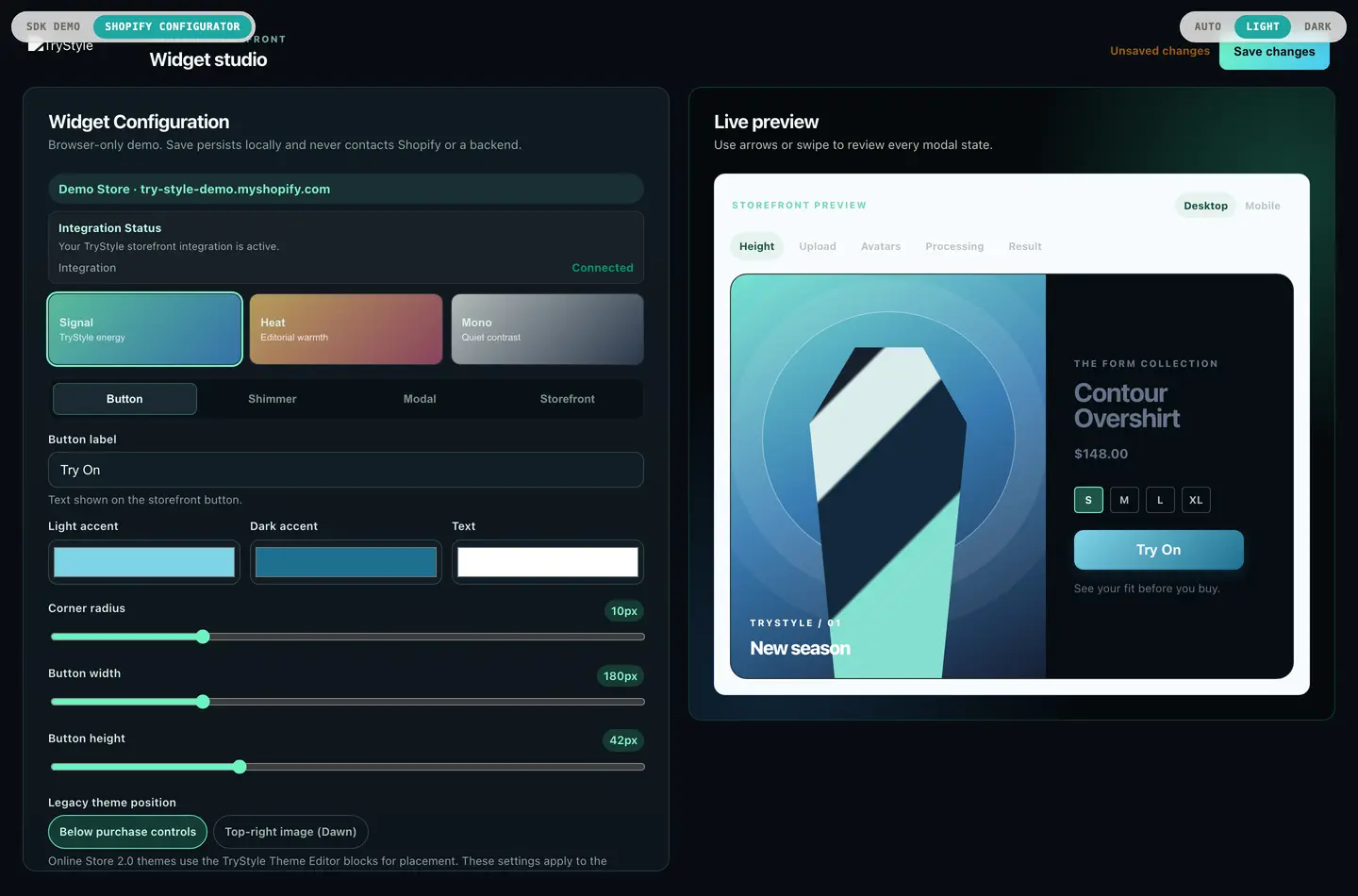
Install the plugin, configure with a live preview, and try-on appears below add-to-cart.
Overview
Install the plugin, configure with a live preview, and try-on appears below add-to-cart.
Capabilities
Upload and activate, no developer needed.
Style the button and modal as you configure.
The recommended size is auto-selected at checkout.
In depth
No-code try-on for WooCommerce. Install the plugin and the Try On button is injected below add-to-cart, with a live preview as you configure it.
Why it works
How it works
Four steps, end to end, no code, no hardware.
Install on Shopify or WooCommerce. Your catalog syncs automatically, no manual data work.
Photorealistic try-on and accurate size recommendations on every product page.
Combo and layered outfits with the recommended size pre-selected at checkout.
Try-on → cart attribution and retailer analytics on engagement, conversion, and returns.
Impact
Real difference, measured.
Explore more
One-click app with auto-provisioning.
Learn more →No-code plugin with a live preview.
Learn more →Drop-in SDK for any stack.
Learn more →FAQ
No, the plugin is configured from the WordPress admin.
Below add-to-cart automatically, or anywhere via shortcode.
Yes, the recommended size is auto-selected in the size field.

Book a live demo and we'll try on your products with your team.